
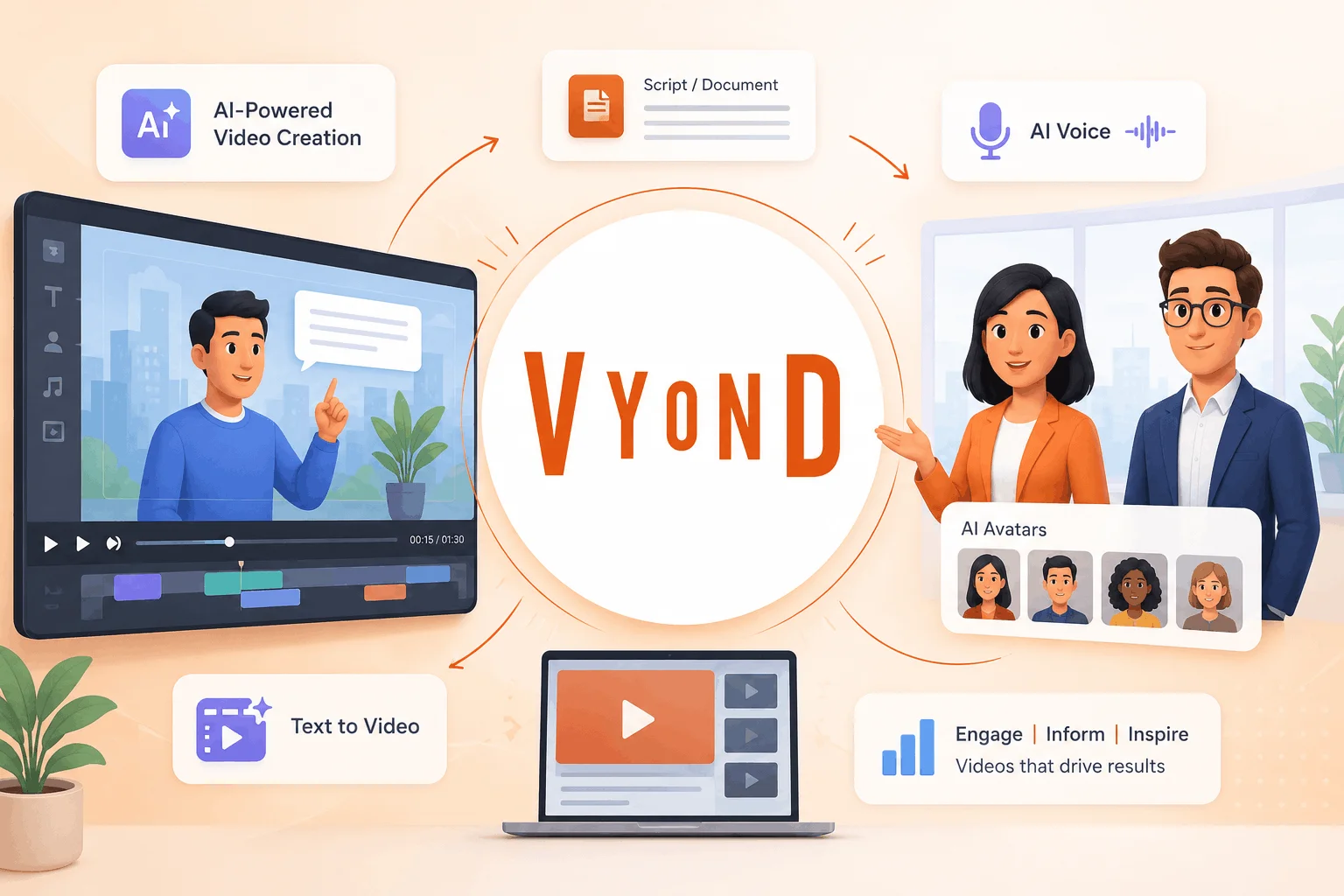
A business video can be made relatively easy and then complex. The creation process will involve writing a script, planning a shot, finding visuals, recording audio, editing all elements together, and making sure the final version retains the voice of the business.
Vyond AI transforms the entire process at the very beginning stage. The technology doesn’t consider the video creation as an only manual one, providing the user with a quick way from an idea to an initial version of a video that could then be edited.
From rough idea to a video that can be edited
One interesting feature about Vyond AI animation is its ability to be incorporated into the existing creative process. Repetitive tasks in the very beginning of the work can be done by AI, while the author will be responsible for the content, mood, timing, and visuals.
The training manager will start with a company policy document, while a marketer will base his or her idea on a webpage of the campaign.
The voice is important more than anyone might expect
The visuals grab most attention, but the narration makes or breaks an explainer. With Vyond AI voice capabilities, creators do not have to record all of the audio by themselves because there is a huge text-to-speech library on the platform. At the moment, Vyond has more than 650 top-quality text-to-speech voices, and the top plan offers ultra-top-quality voices.
If something happens to change in one sentence, a new audio can be regenerated instead of scheduling another recording session.
Digital avatars without a casting call
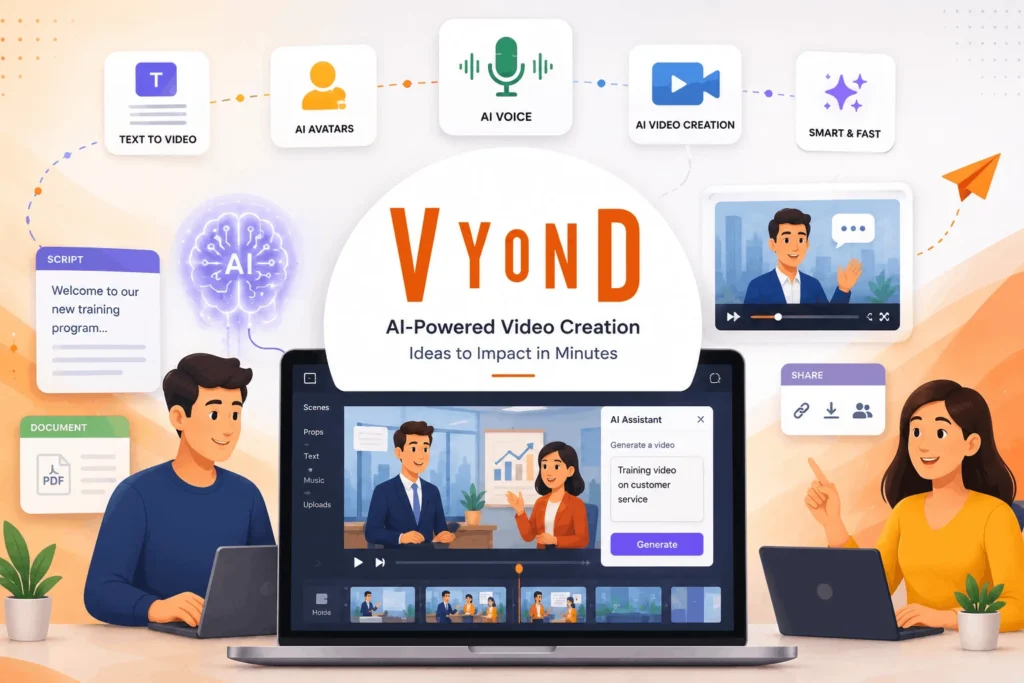
Another convenient feature is Vyond AI avatars. A presenter could come in handy in videos, but it would not be efficient to shoot new footage each time. Digital presenters can help out in onboarding videos, internal communications, demo videos, and educational videos.
People can select various presenters according to their preferences or target audience.
The text becomes the first draft
When using Vyond AI text to video, you should have the text somewhere else before you can use it to create the video. This means that a document, script, presentation, or even the URL can be used to create the video without having to copy-paste and organize everything from scratch.
This makes the process of using Vyond AI to create videos efficient for businesses that regularly produce content.
Which plan makes sense?
The current annual-billing prices are shown below.
| Plan | Annual Price | Best Suited For |
|---|---|---|
| Starter | $58/user/month | Individual creators |
| Professional | $100/user/month | Teams and regular production |
| Enterprise | $137/user/month | Larger organizations |
| Agency | $167/user/month | Client-facing video work |
Starter comes with 10,000 credits for each user per month. Professional comes with 20,000 credits for each user per month. Enterprise comes with almost unlimited credits, whereas the Agency comes with 400,000 credits per user per month. The annual price comes to be $699 for Starter, $1,199 for Professional, $1,649 for Enterprise, and $1,999 for Agency.
Where it works best
This tool finds its rightful place when video is a part of a communication process and needs to be created regularly. The training team uses Vyond AI to create video explainers from policies, the HR department to refresh onboarding materials, the marketing department to create video campaigns, and the sales team to create follow-up materials – all without relying completely on the production team.
Here is what it boils down to: Vyond AI is valuable precisely because of the balance between automation and manual work. This technology allows you to start fast, then focus your efforts on perfecting the things that require human intelligence. Thus, Vyond is not a replacement for creatives but rather an enhancement of their workflow from concept to completed communication.
In other words, for teams that produce video regularly, Vyond brings significant improvements.